登入 Content Creator (previously GoDaddy Studio)
登入 Content Creator,讓您不需要具備任何平面設計技能,也能建立適合各種平台並能吸引顧客目光的視覺內容!
使用您的手機掃描 QR 代碼,並下載 GoDaddy iOS 或 Android 版行動應用程式。
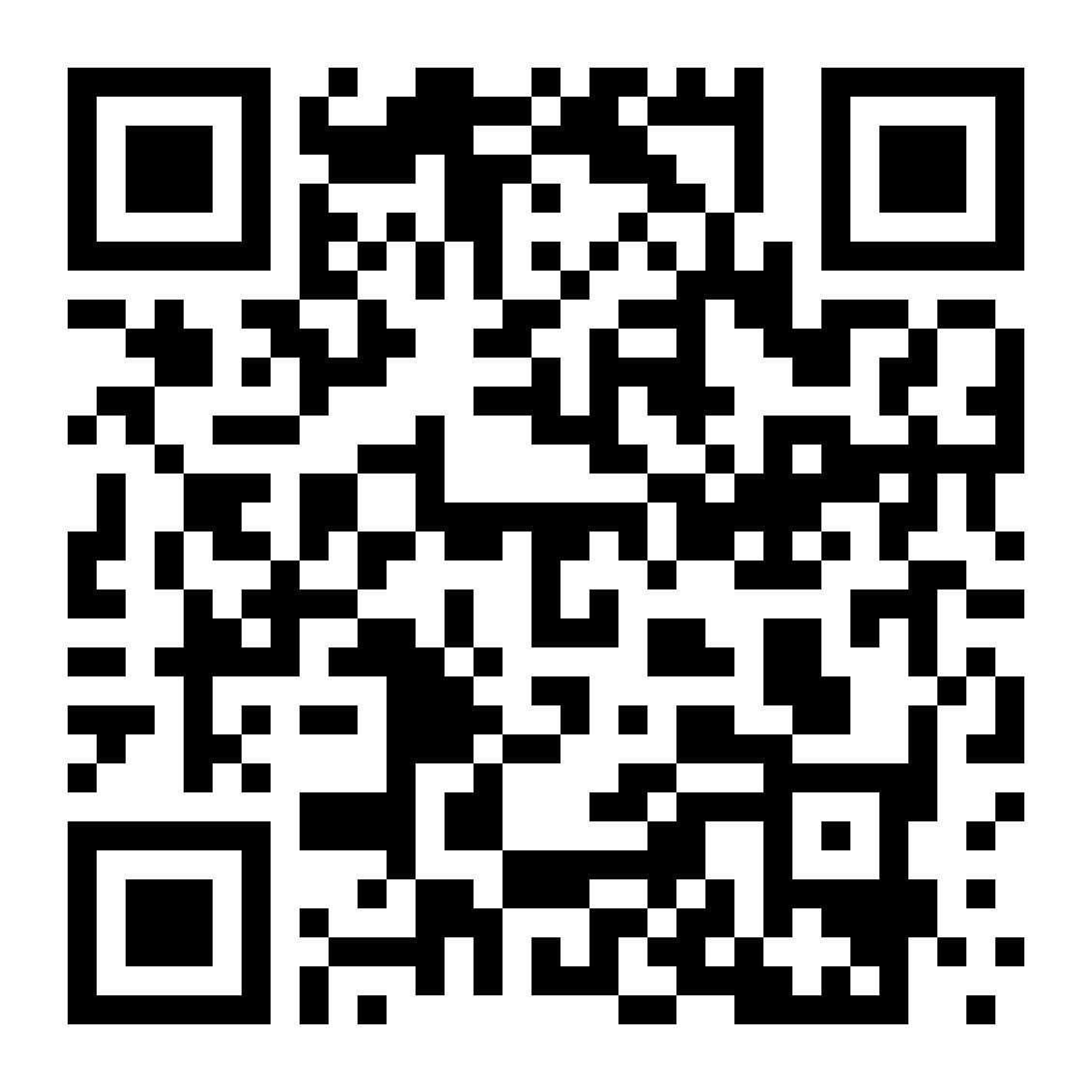
您也可以按照以下步驟下載應用程式:
- 前往裝置 (iOS 或 Android) 的應用程式商店。
- 搜尋 GoDaddy 並下載應用程式。(您可能也會看到我們的商務、Conversations 和投資人應用程式,不過請找到 GoDaddy 應用程式。)
- 使用您的 GoDaddy 登入資訊登入。
- 您現在即可建立專案,或編輯現有的 Content Creator 專案。
- 前往 Content Creator。
- 填寫 GoDaddy 登入資訊,然後點選「登入」。
- 如有啟用兩步驟驗證,請依指示驗證身分。
注意:如果您透過行動裝置的瀏覽器閱覽 Content Creator 網站,系統會要求您下載或登入 GoDaddy 行動應用程式。